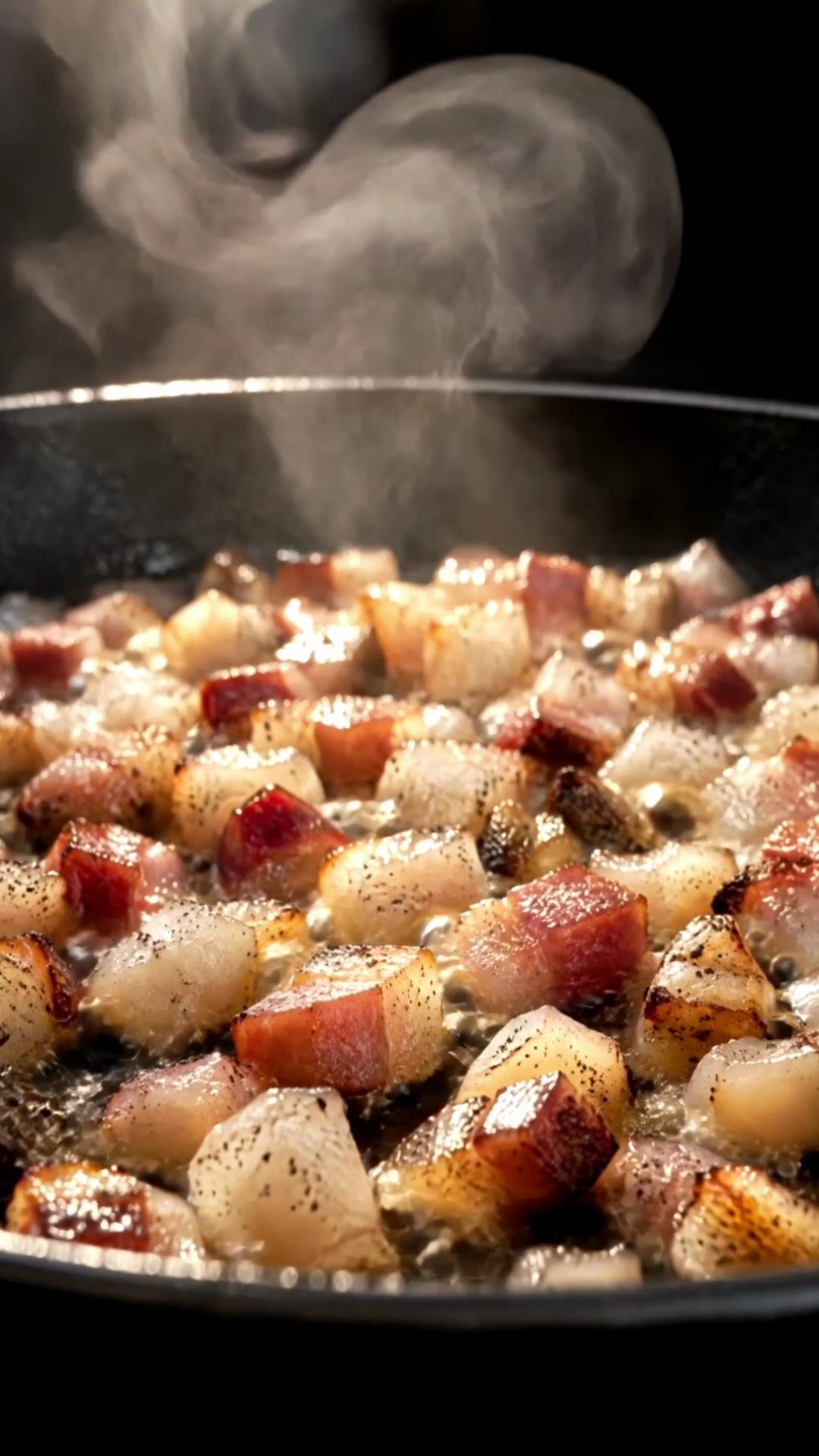

Real photos, real film
We only animate what was actually on your counter. The better the photo, the better the shot.
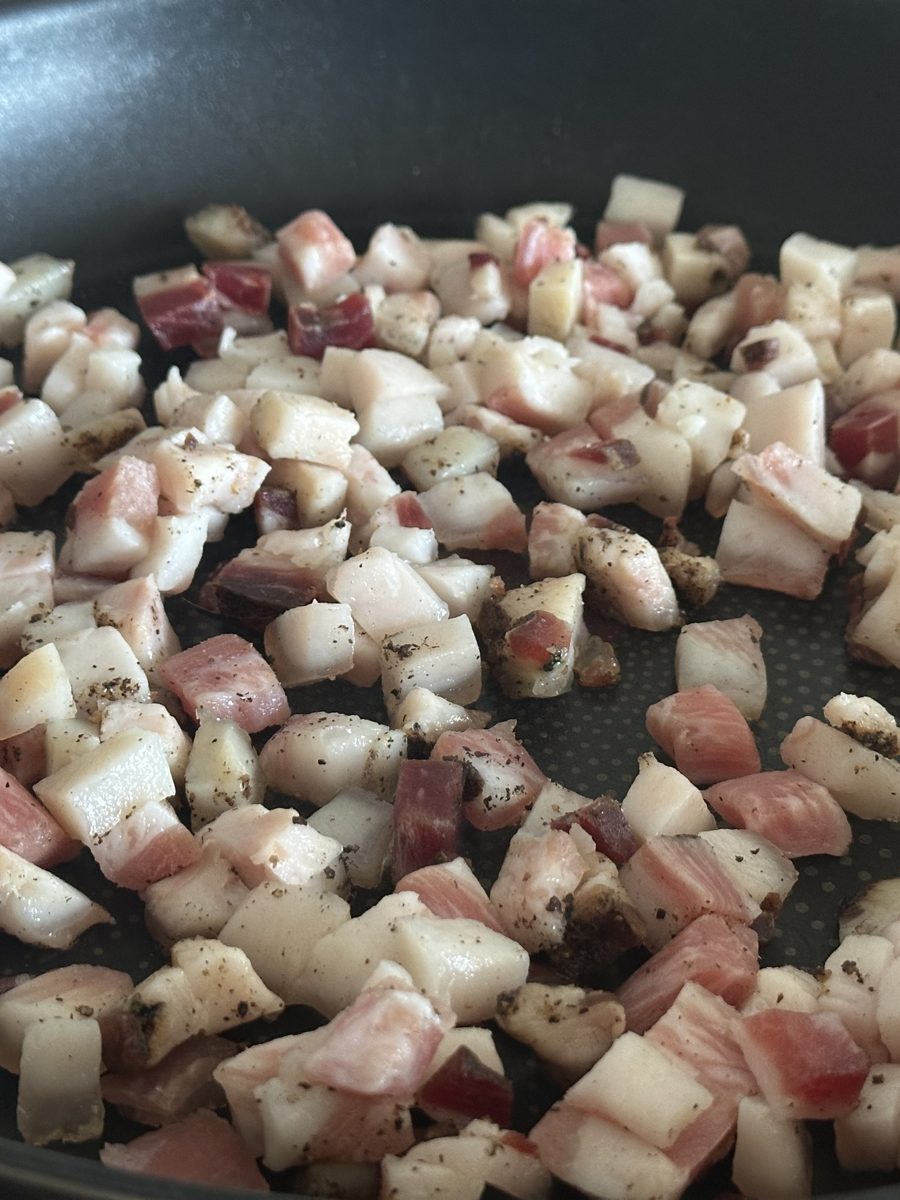
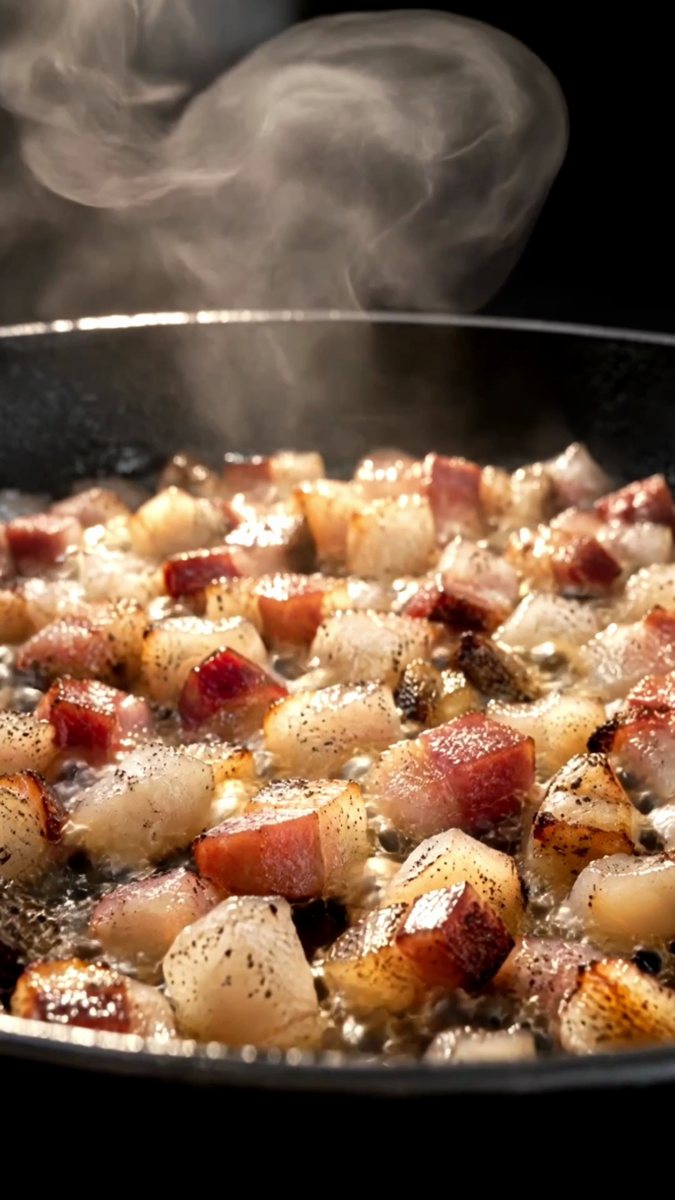
Your phone
First, check which format you ordered. It decides how you hold your phone.
We can't make a horizontal film from vertical photos alone, or the other way around.
Side light, no flash
Don't change your kitchen lighting. Position yourself so the strongest light hits the food from the side, not from behind you.
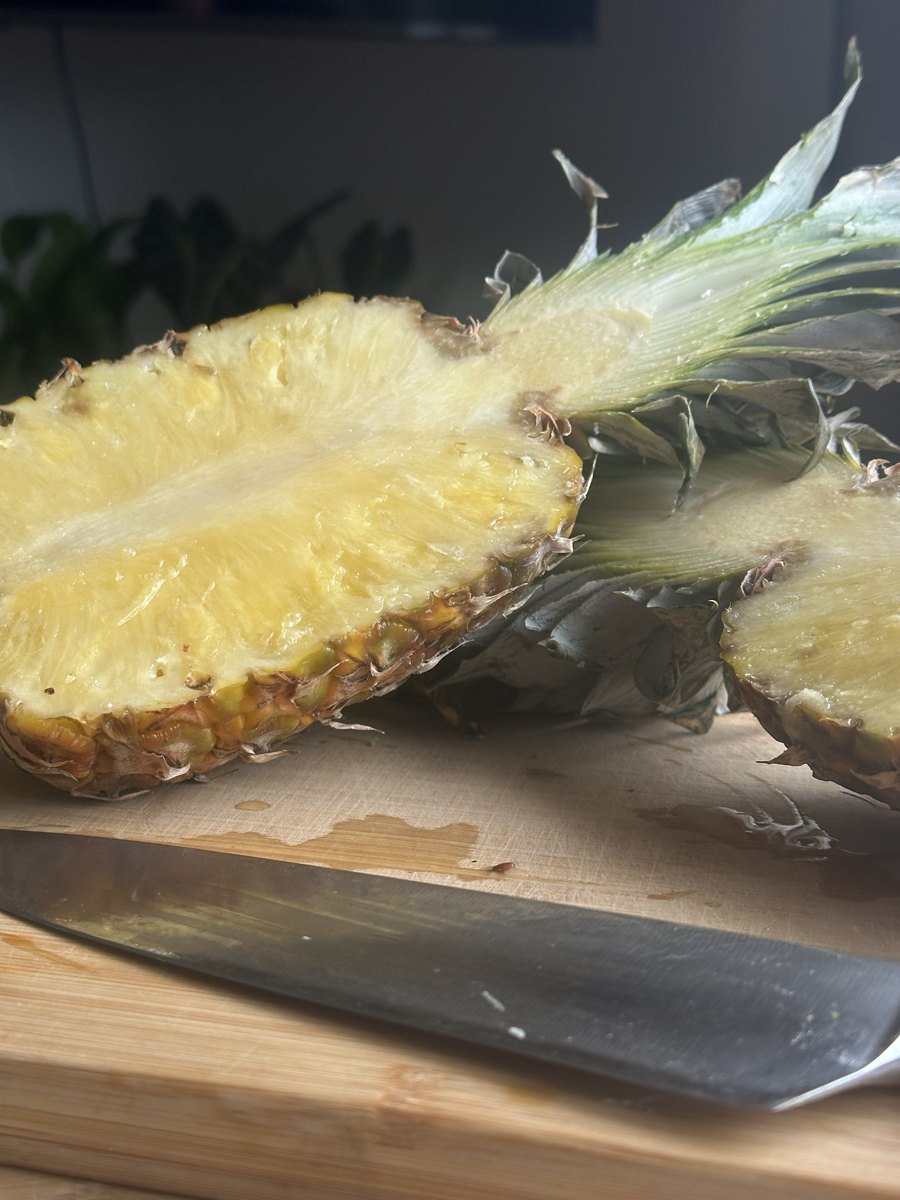
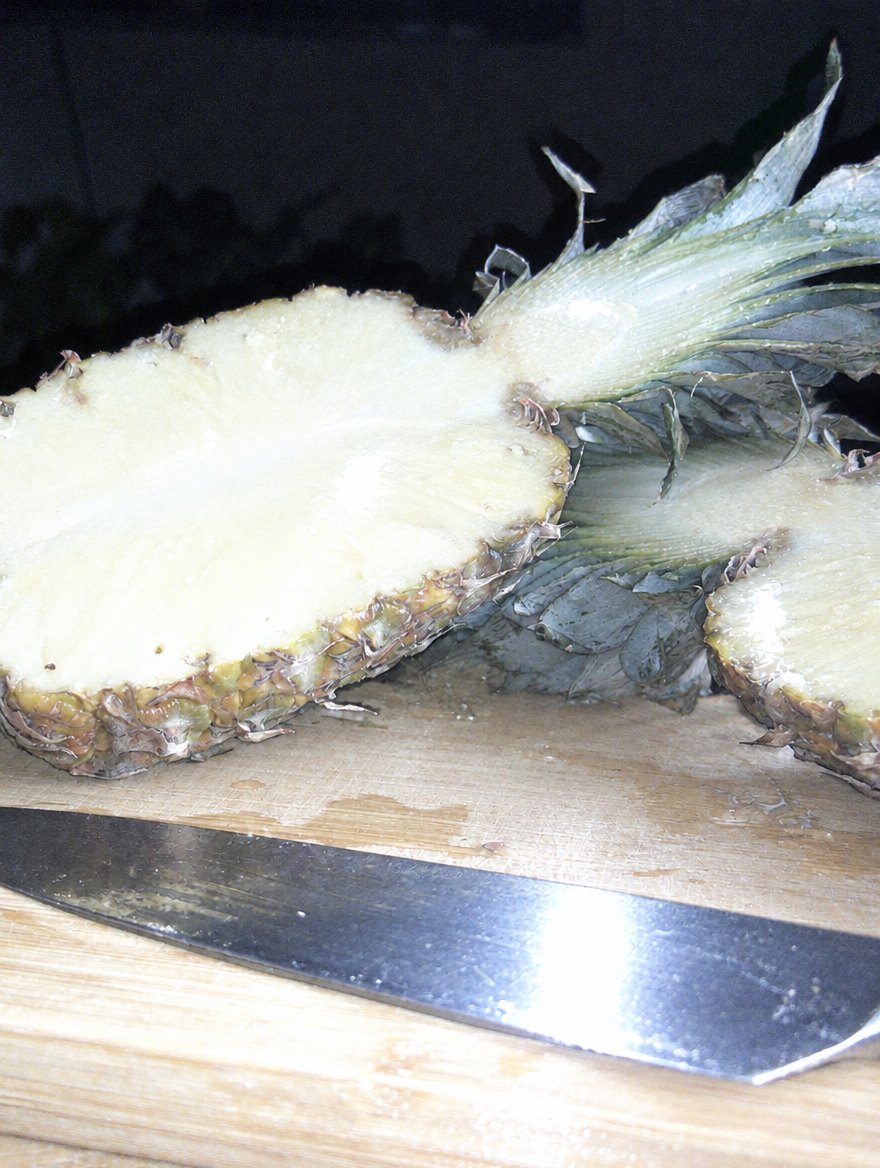
- Got a window? Shoot next to it, in daylightit's the best light you have, and it's free
- Only ceiling lights? Stand so the light is in front of you or to the sideyour own shadow should never fall on the food
- Too dark? Put a small lamp or a second phone's flashlight to the sidenever the flash, never light coming from the camera
Mise en place for the frame
Just like before service: only what's needed on the counter, everything in its place. We can clean up small clutter in editing, but the cleaner the frame, the better the film.
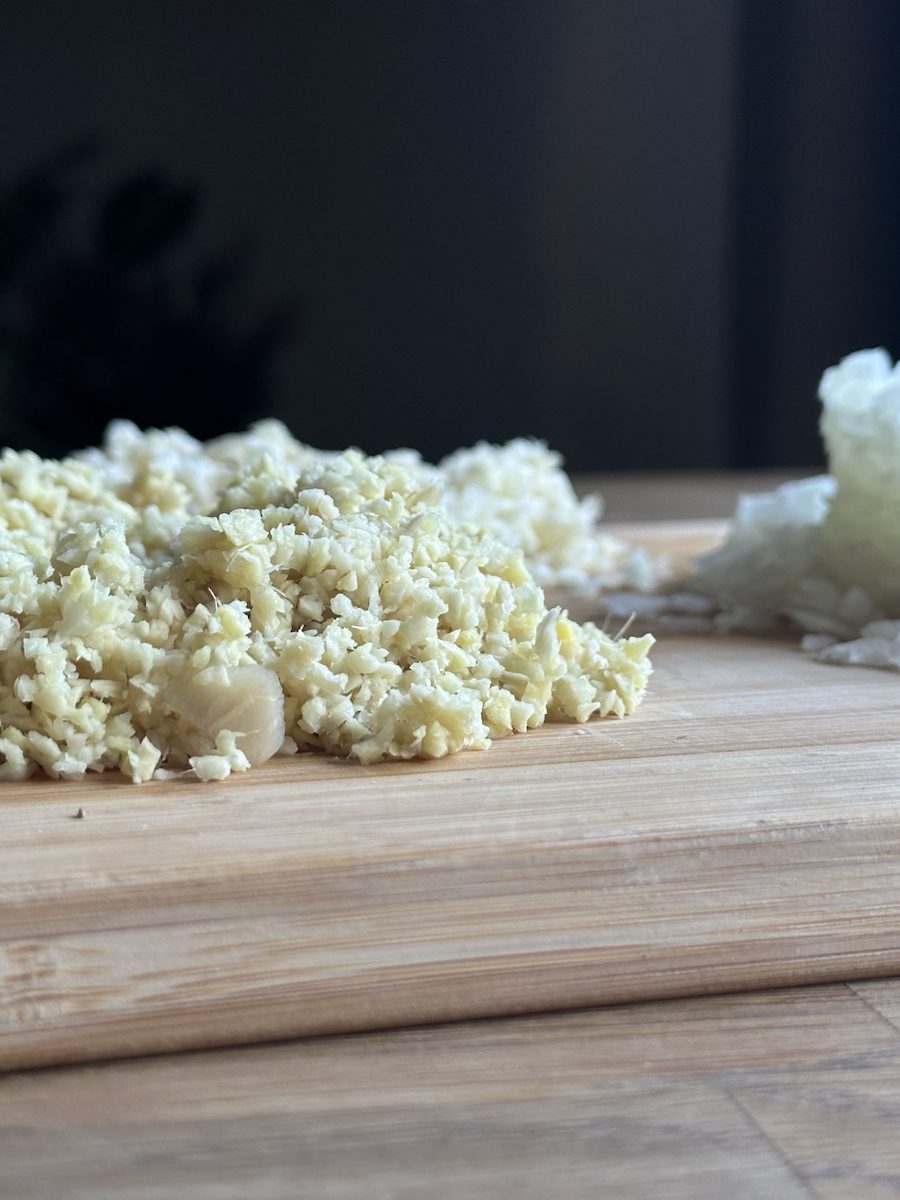
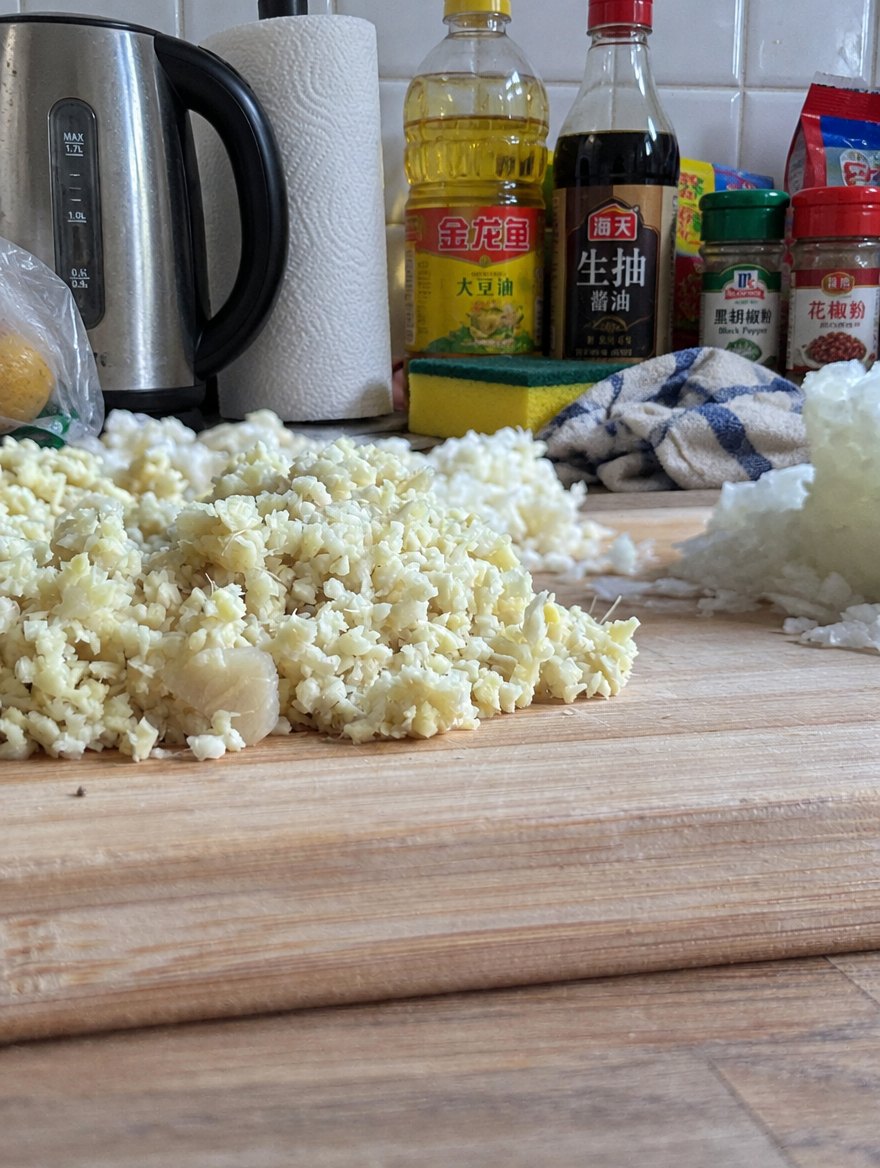
- Keep walls far behind the foodturn so the whole kitchen is in the background, not a wall right behind the board. The background will blur on its own.
- Clear spoons, towels and packaging out of the frameand people too: no guests, no staff
- Don't cut the food off at the edgeleave some space around what you're shooting. We'll do the cropping.
Three heights
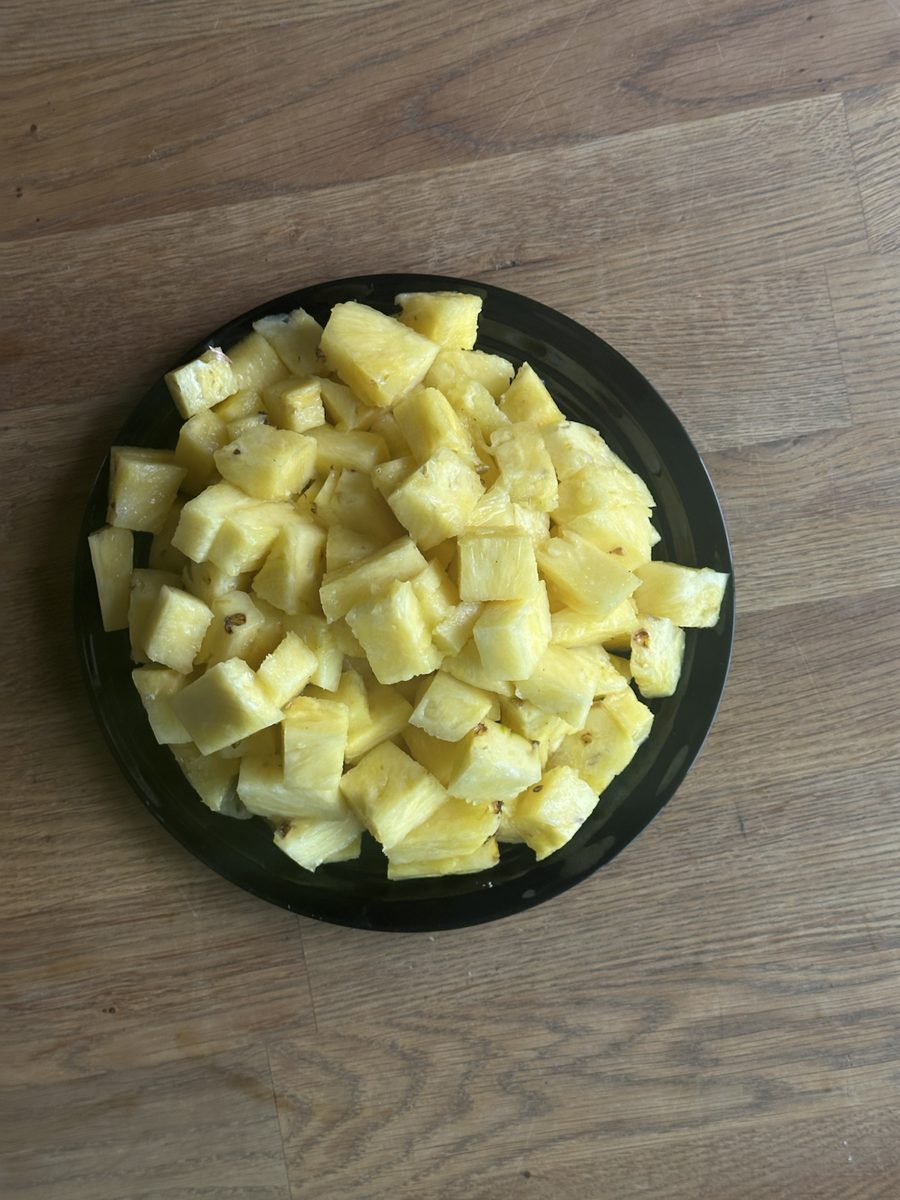
Shoot everything three times, lowering your phone each time.
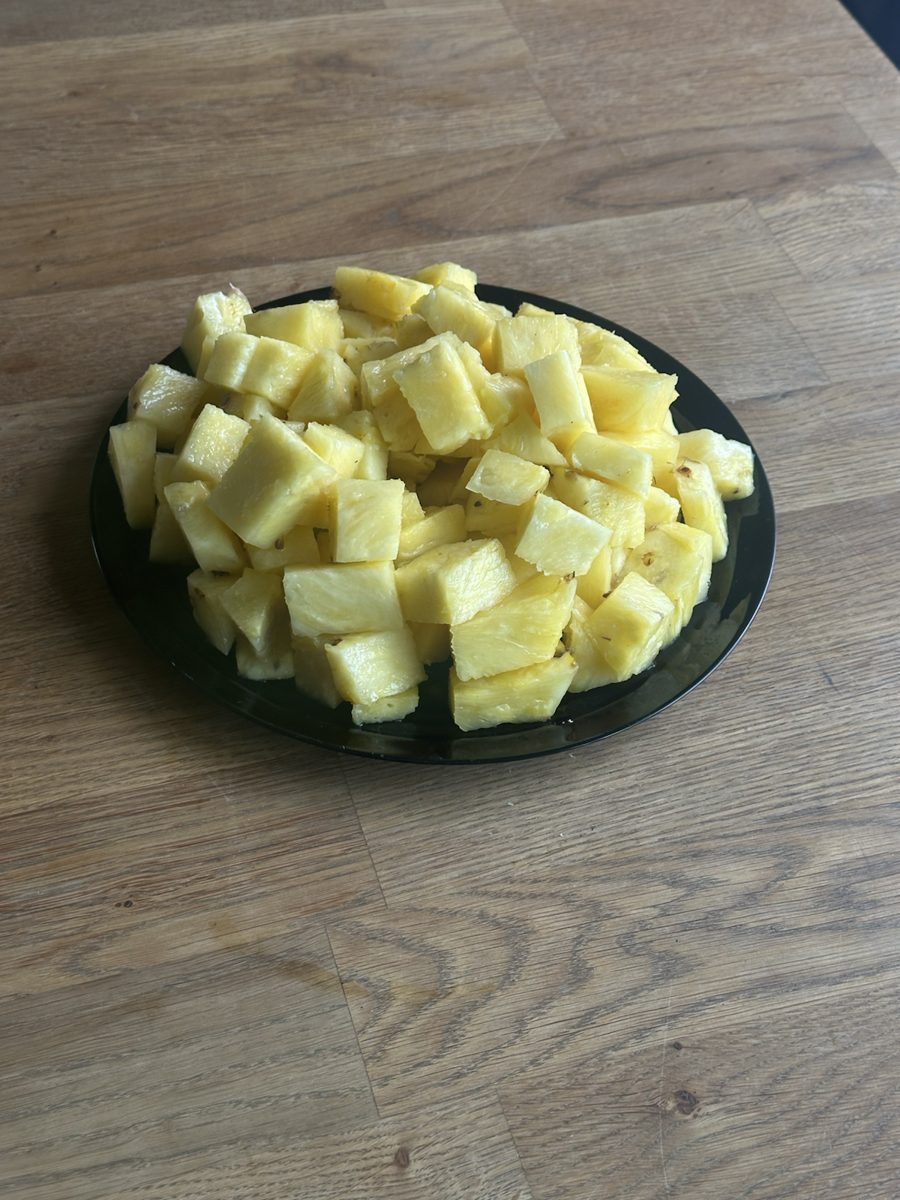
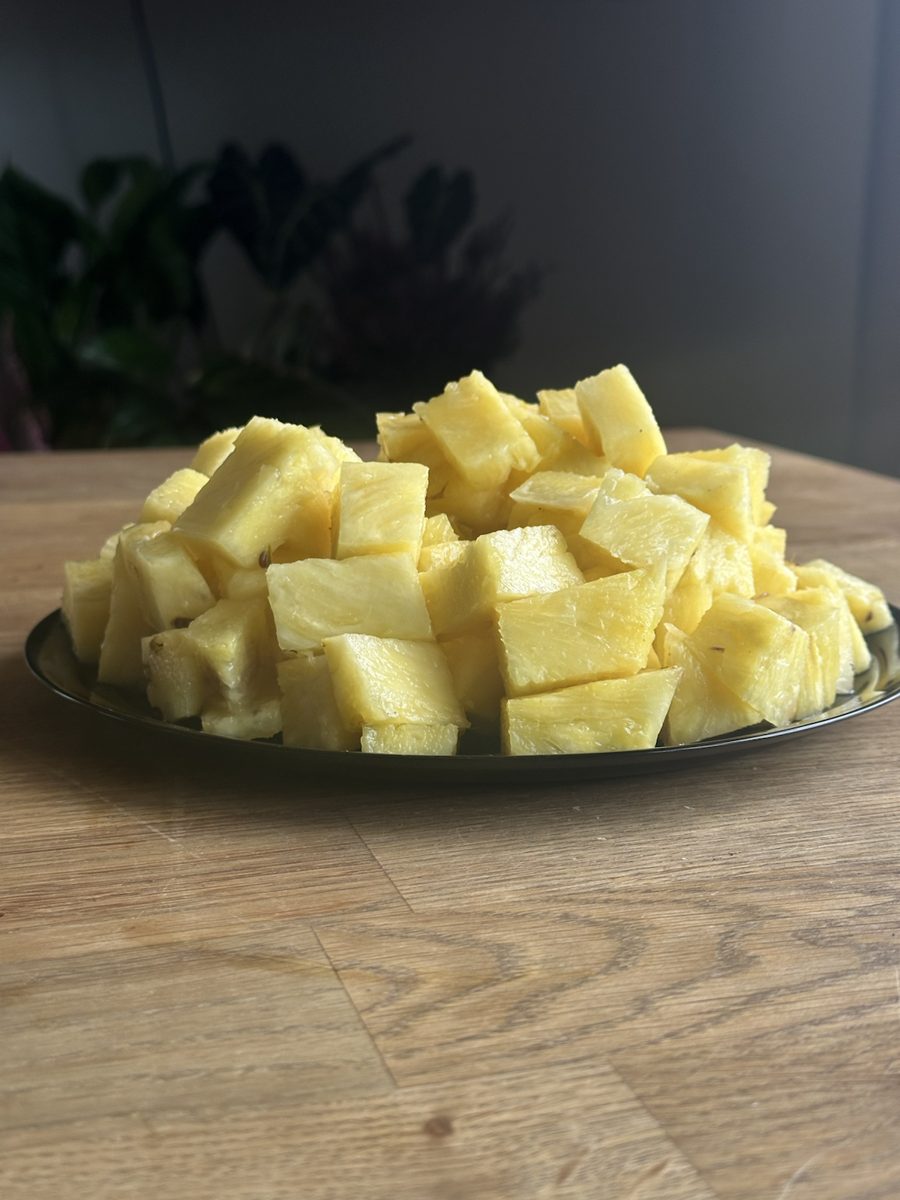
What to shoot
From each of the three heights, take roughly this many photos:
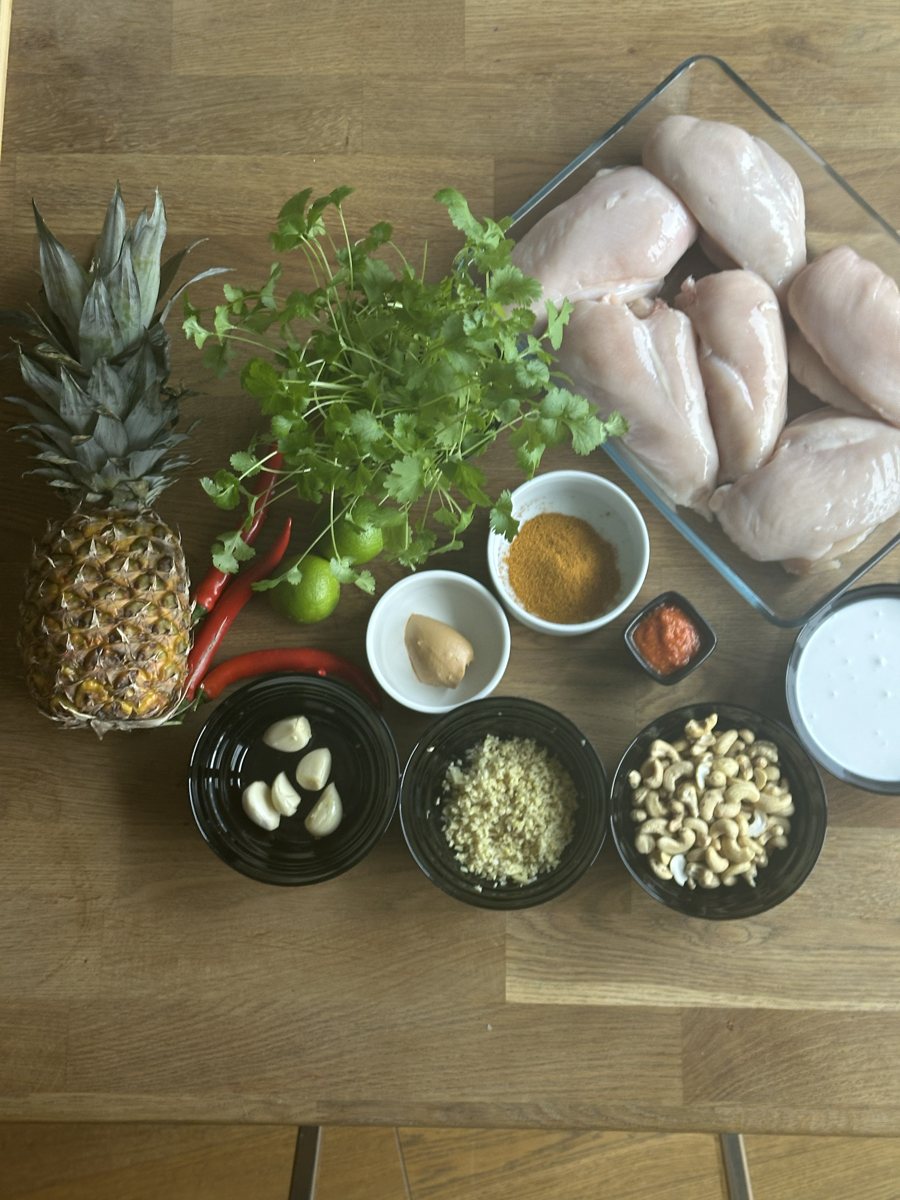 Ingredientsalso one by one, up close10-15
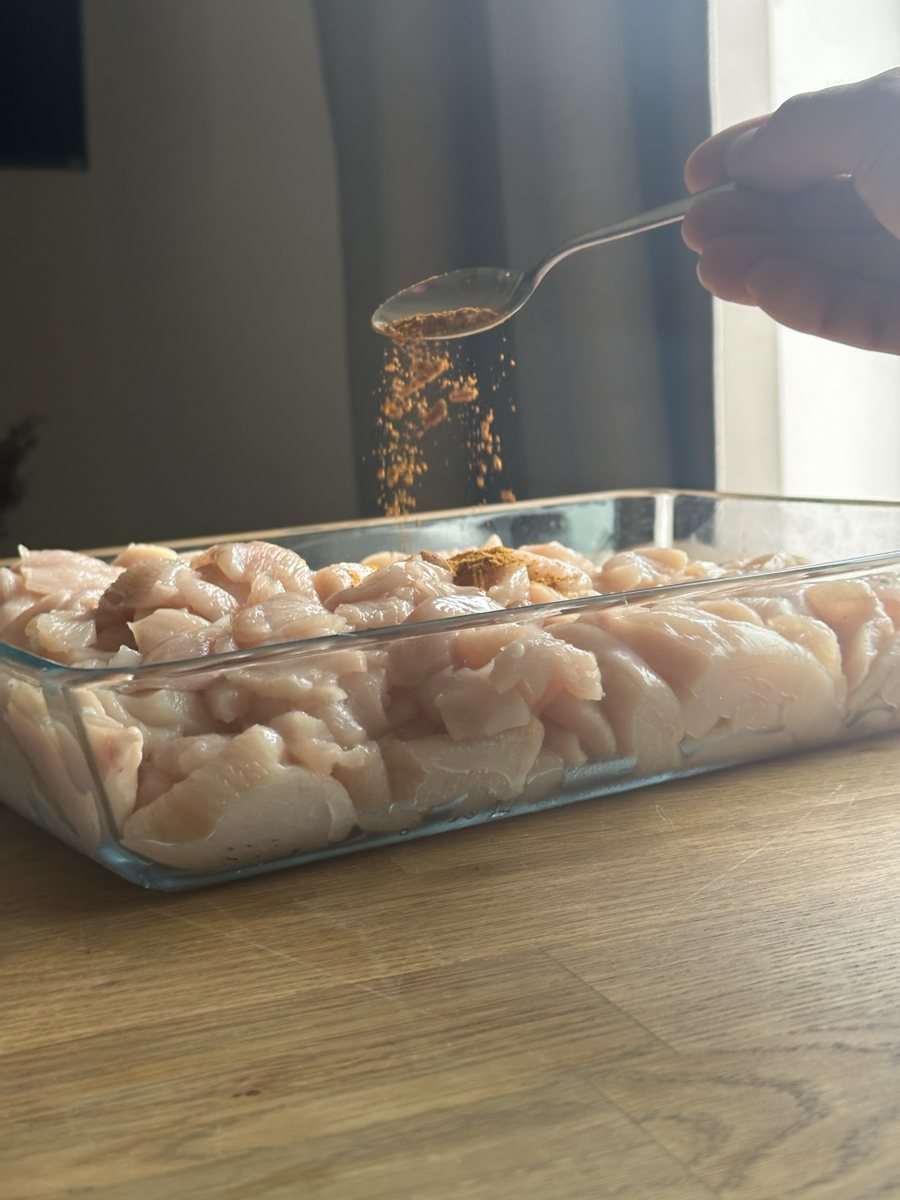 Hands at workkeep your hand still as you shoot15-20
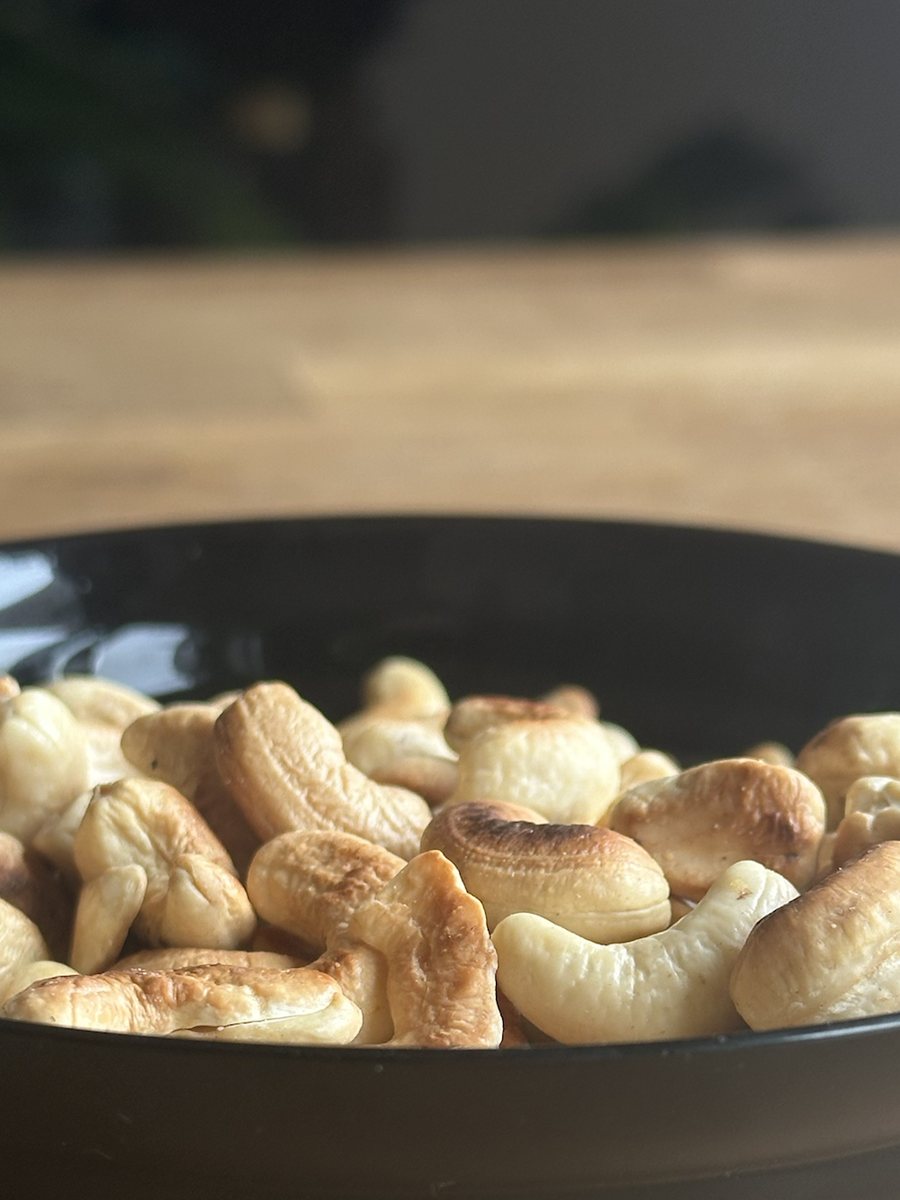 Close-up detailssauce, crust, nuts, spices10-15
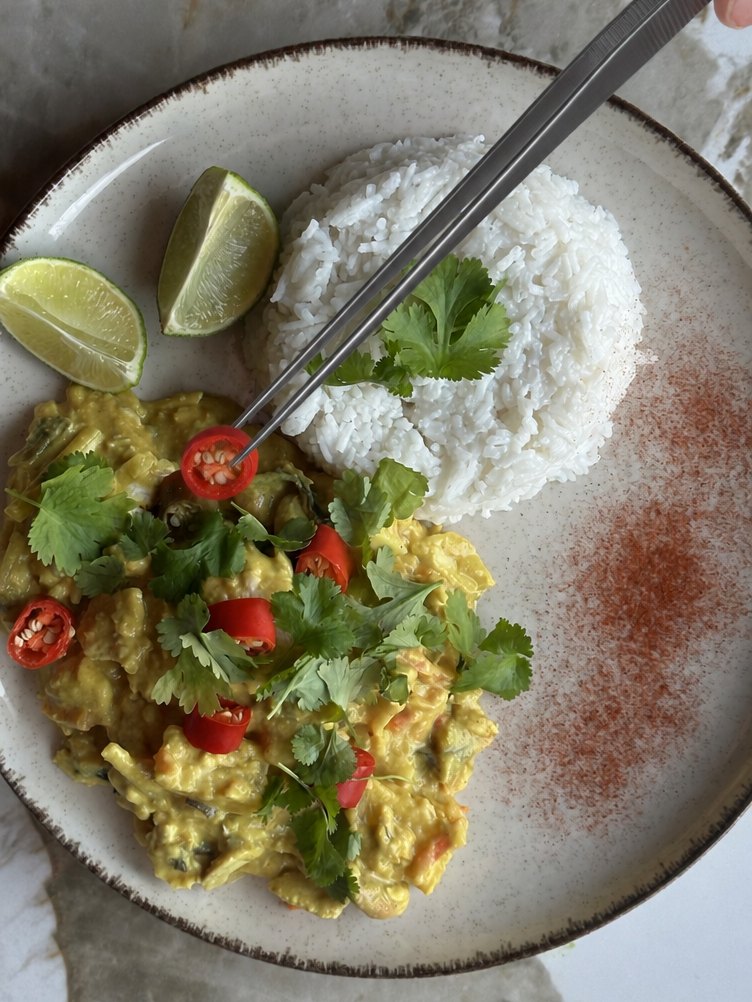 Platingstep by step, down to the last garnish10-15
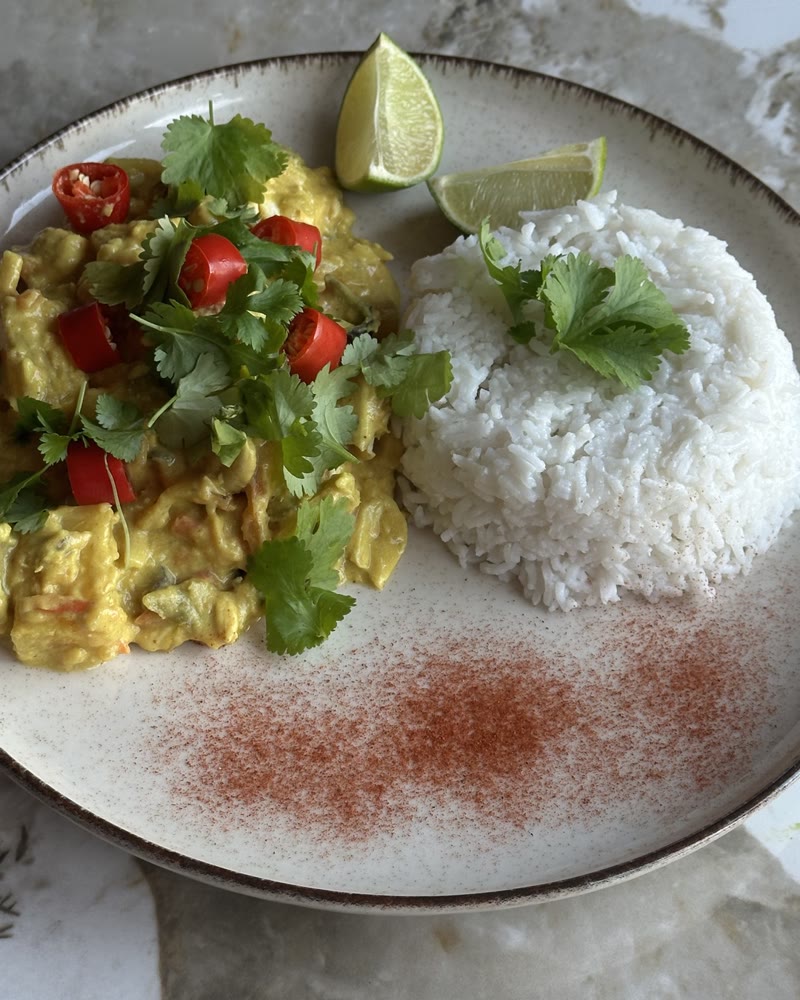 The finished dishthe hero shot; if you have a moment, also from the left and right20+
Upload everything
After you order, we'll send you a link to your own cloud folder. Upload all your photos there, straight from your phone.